The Top Home Automation Essentials For Effortless Daily Living
Mar 11, 2026



Choosing to live alone brings a unique sense of independence and adventure. You have the opportunity to shape your home according to your personal preferences, create daily routines that fit your lifestyle, and unwind in peace whenever you wish. By introducing smart home devices, you can enhance your sense of safety, simplify everyday tasks, and enjoy greater convenience. Devices such as smart locks, cameras, and voice assistants not only help keep your home secure but also provide helpful reminders and support throughout your day. With the right technology, living solo can feel both comfortable and connected.
Imagine entering your apartment as lights gently brighten the hallway, a door lock clicks shut behind you, and a camera sends a quick reassurance alert that everything’s in place. Achieving that level of ease and peace of mind comes from combining simple technology with clear setup steps. Let’s explore how you can create a safer, more welcoming space with smart tools designed for solo residents.
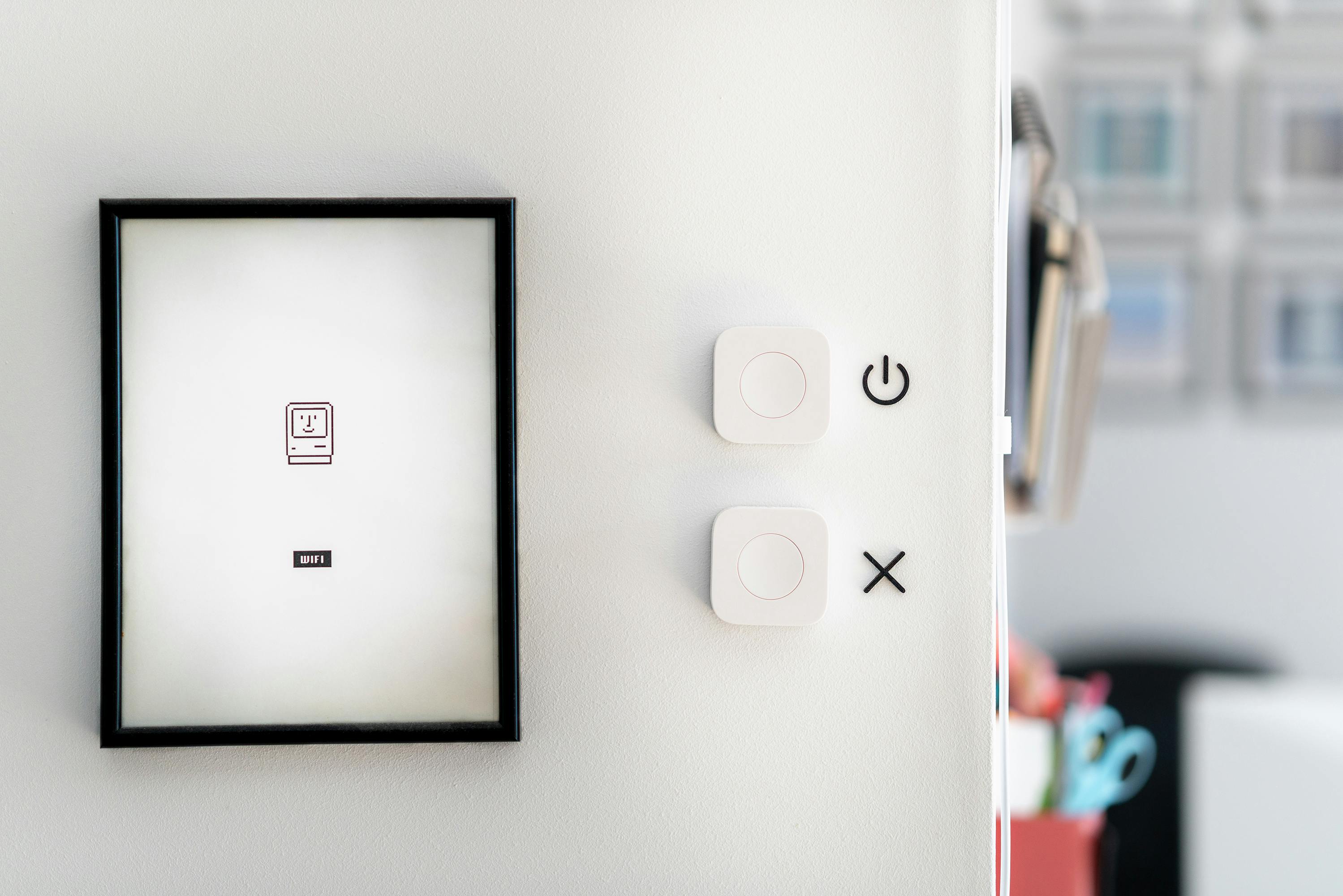
Smart home gear adapts to your routines. Motion sensors detect movement and turn on lights, smart locks let you tap open doors without fumbling for keys, and voice-controlled assistants answer questions hands-free. These tools keep you informed and respond quickly when you need help.
Beyond convenience, you gain a proactive partner in your living space. Alerts can appear on your phone when a camera detects unusual motion or a sensor detects water where it shouldn’t be. That instant knowledge helps you act quickly instead of discovering problems later. You’ll sleep easier knowing your home watches out for you.
Each gadget plays a clear role but works best when they connect seamlessly. You can program motion detection to trigger lights or set your doorbell camera to alert your smart speaker. Adjust settings to match your daily flow and comfort level.
These steps lay a foundation that keeps prying eyes out. Treat your network like a locked front door—you want strong protection against unwanted visitors.
After establishing basic security, consider advanced options such as network segmentation or a dedicated security gateway. These tools give you more control over who connects and how data moves through your system.
Every minute counts when you need help. Use a voice assistant or wearable button to trigger an alarm and message key contacts instantly. Prepare your contacts in advance and test the process so you feel confident during an urgent situation.
Place panic buttons in strategic locations, such as near your bedside and in entryways. You can connect these to smart cameras or sirens so neighbors or security services immediately know you need assistance. Practice drills at home to ensure the system reacts exactly as you expect.
Smart devices collect data by design, so decide what information you’re comfortable sharing. Adjust privacy settings to limit recordings, disable cloud storage if you prefer local backups, and review data policies for each gadget.
Turn off features you don’t use. If your smart speaker listens for commands around the clock, mute its microphone when you want quiet. Regularly delete stored logs and review permissions in its companion app. That way, you stay in control of your personal space.
Smart home devices like *Nest* and *Ring* enhance your independence by providing security and convenience. Regularly update and customize your setup to ensure your home stays responsive to your needs.
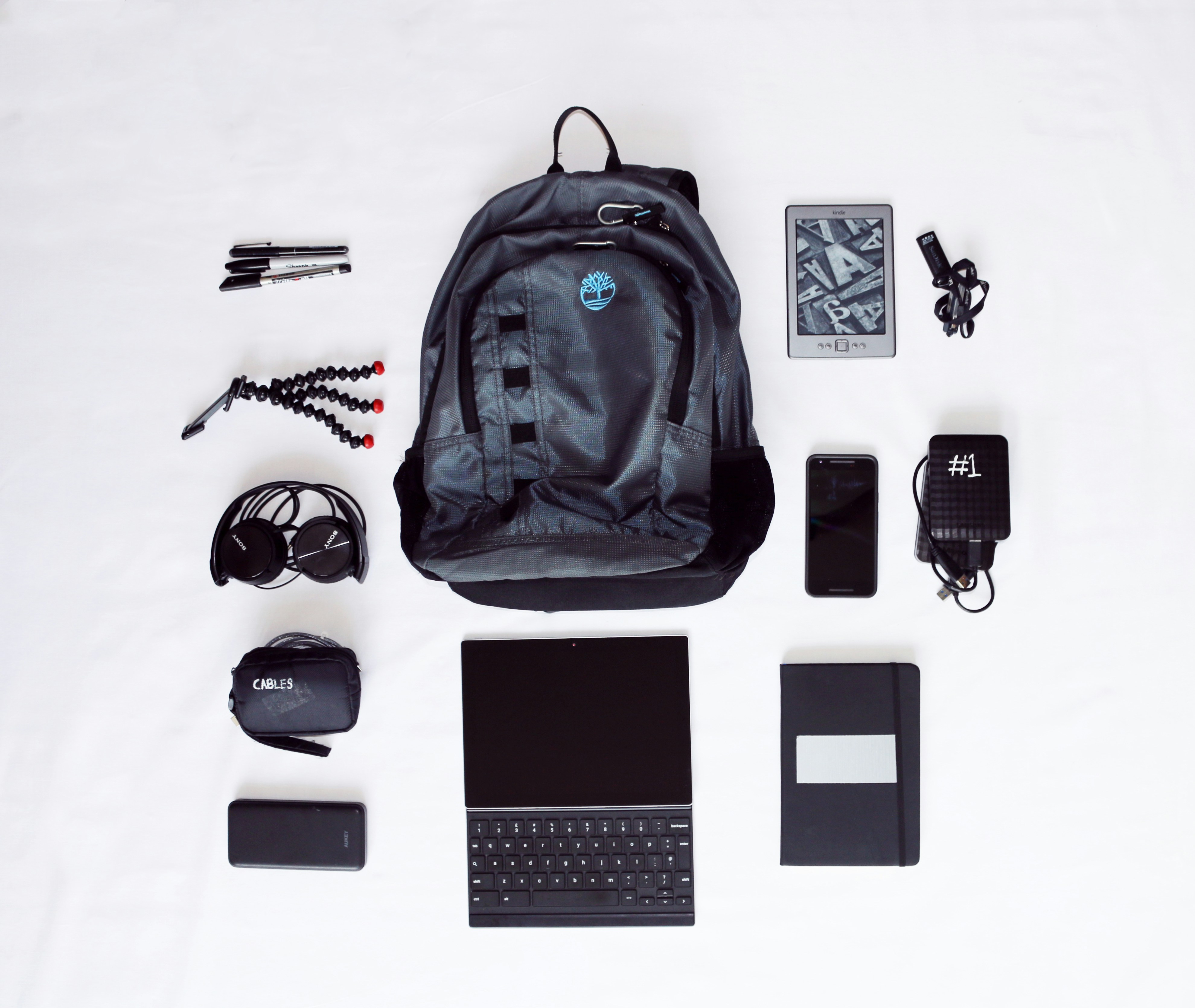
Travel preparations for a short getaway usually involve managing suitcases, untangling cables, and organizing essential gadgets before heading out the door. Many people...
Mar 20, 2026
Soft throws and gentle sunlight can fill a living room with comfort, all while keeping utility costs in check. Simple changes, such as choosing the right fabrics or...
Apr 11, 2026

Creating a home that feels inviting and stylish while also protecting little ones matters to every family. This guide offers ten practical methods to make each room...
May 09, 2026

Showcase your technical skills and creativity by assembling a compelling portfolio that attracts new possibilities and reveals paths you may not have considered. Gather...
May 23, 2026

Building financial security for the years ahead can go hand in hand with enjoying what you love today. You have the opportunity to pursue your passions and interests...
May 07, 2026
Scrolling through your favorite social feed with a warm cup of tea brings a sense of comfort and connection as you laugh at memes, share snapshots, and chat with...
Apr 18, 2026

Launching a career in science, technology, engineering, or math often begins with securing a scholarship that provides essential financial assistance and boosts...
Apr 25, 2026
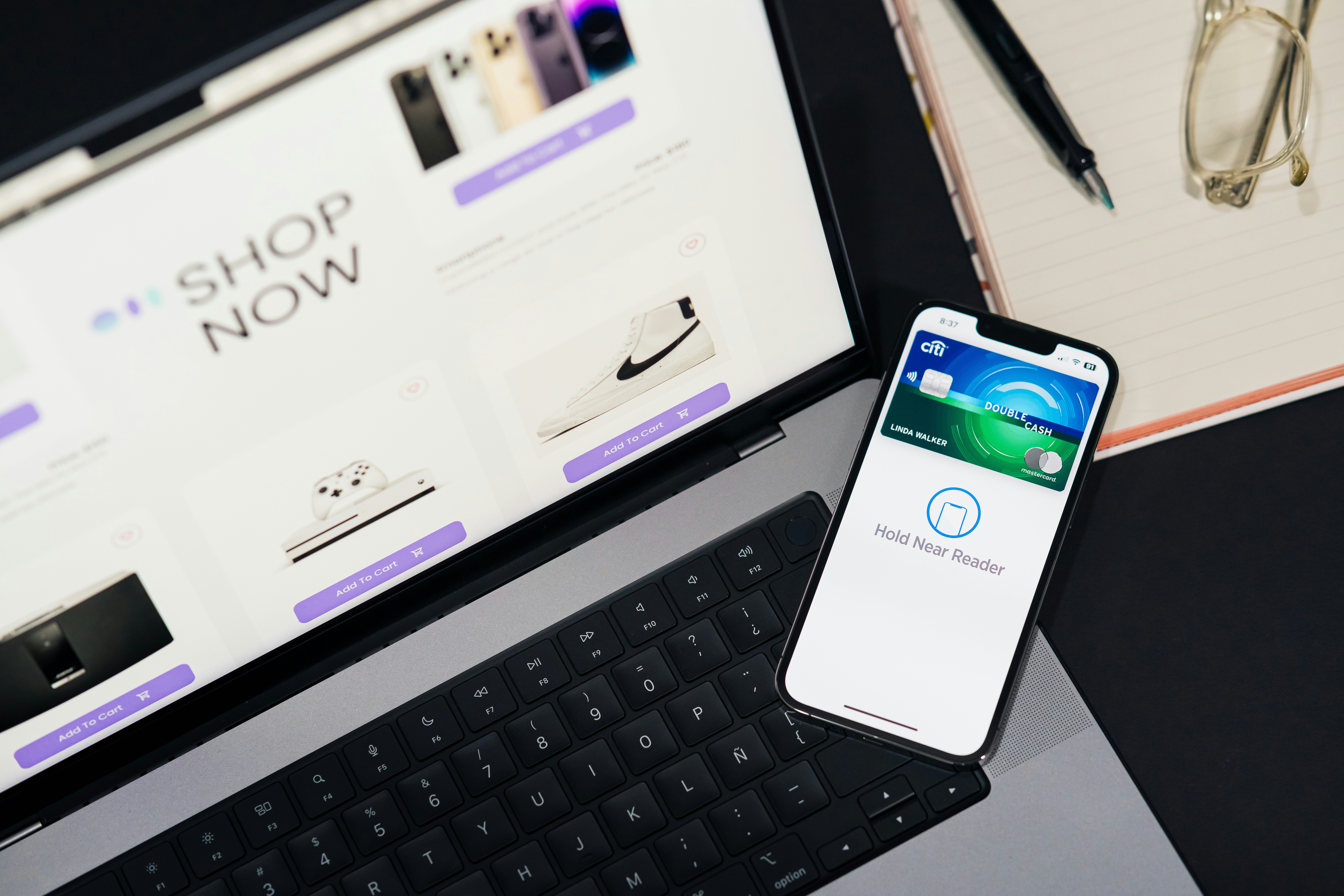
Creating an online shop opens the door to a rewarding experience filled with creative decisions and the potential for personal achievement. Building a digital space for...
Apr 22, 2026

Curiosity about cryptocurrency investing often comes with both excitement and uncertainty. You have the opportunity to discover new financial possibilities while making...
Jun 21, 2026
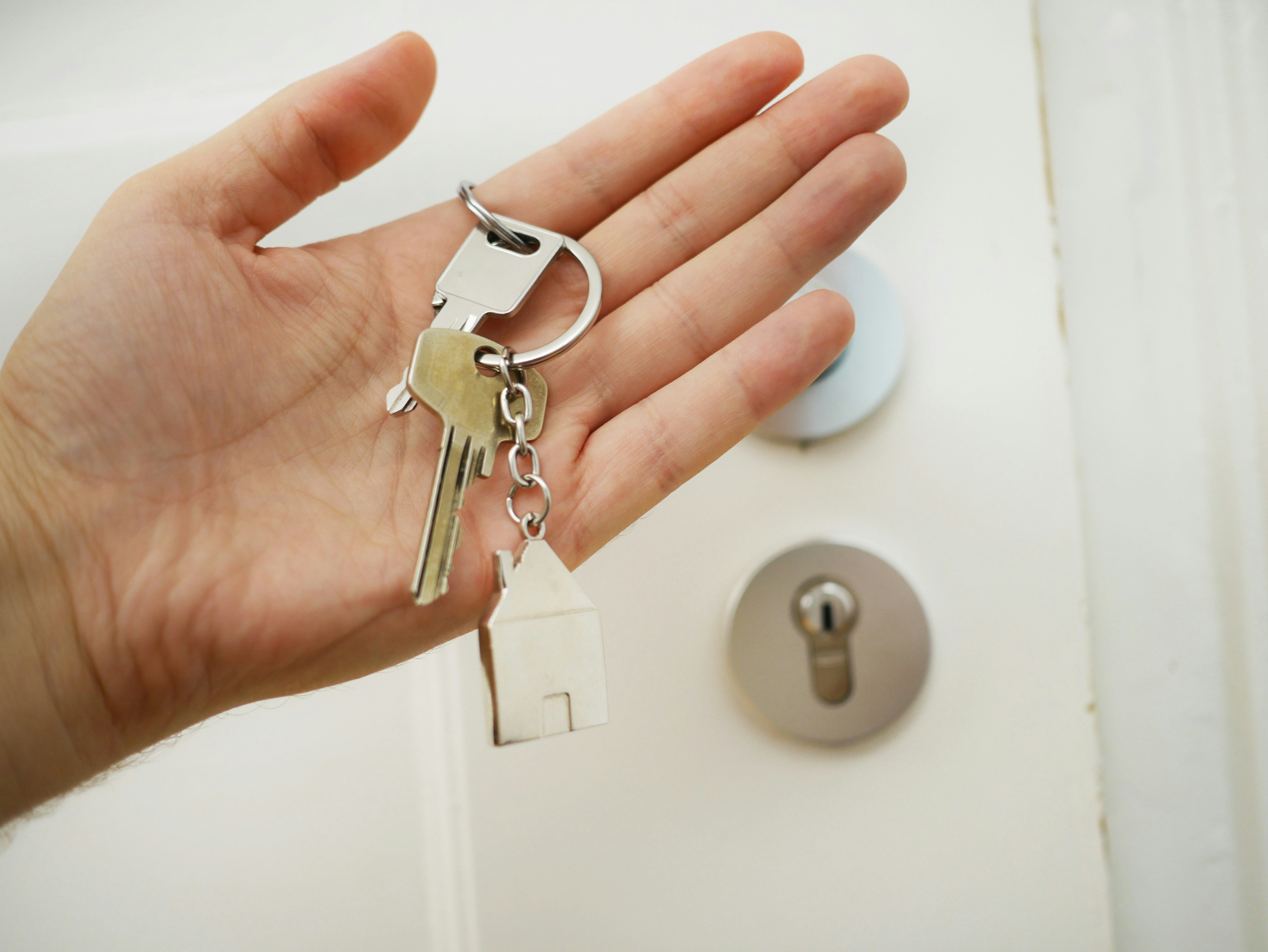
Creating a plan to safeguard your loved ones and belongings calls for careful and intentional decisions. You gain peace of mind when you make sure those close to you...
Mar 27, 2026

Many business owners balance the excitement of new projects with the ongoing responsibility of managing finances. When debts from loans and credit lines start to...
Jun 10, 2026

Buying a home for the first time brings both excitement and a sense of anticipation, especially when you know how to approach the process. Begin by outlining what you...
May 02, 2026

Warm evenings become even more enjoyable when you have a backyard that feels inviting and comfortable, almost like a natural extension of your home. Picture a place...
Jun 28, 2026

Sharing a small apartment with pets brings unique joys and a few challenges. You want your home to feel comfortable and tidy while making sure your animal companion...
Jun 24, 2026