
The Most Effective Ways To Safeguard Digital Privacy On Social Platforms
Aug 19, 2026



Sharing photos, videos, and thoughts on platforms such as *Instagram* and *Facebook* brings people closer and helps them discover exciting communities. Posting updates and stories often leads to concerns about privacy and the protection of your information. Each time you share something online, it’s important to consider who might see it and what details you are making public. By adjusting your privacy settings and being mindful about what you post, you can control your online experience. Simple habits, like reviewing your friend lists and double-checking your posts before sharing, let you enjoy everything social platforms offer while keeping your information safe.
These seven essential steps guide you through practical checks, smart habits, and easy-to-enable features that strengthen your online footprint. You’ll gain fresh tips tailored to modern social networks and feel energized to customize security settings without sacrificing the joy of scrolling, posting, and chatting.
Every network offers different controls for post visibility, friend requests, and data sharing. Regularly review these options to prevent unwanted viewers from glimpsing your private life. Pick your favorite platforms—like Facebook, Instagram, Twitter or TikTok—and clear away outdated permissions.
Spend a few minutes each month revisiting these toggles. Networks introduce new features, and default settings sometimes change. Staying updated helps you remain in control without surprises.
Using one password across several accounts exposes you to risks. Breaches on one site can threaten your other accounts if you reuse keys. Instead, craft unique, memorable phrases and combine them with symbols and numbers. A reliable password manager can store these credentials securely and generate new entries as needed.
Review your passwords at least twice a year and replace any that you suspect might appear in leaked lists. A routine check offers significant protection against unauthorized logins.
Adding a second verification step prevents most unauthorized attempts from guessing or cracking your password. You often receive a text code or an authentication app notification to verify your identity. Many sites even support hardware keys for maximum security.
Visit each social platform’s security section. Look for “two-factor authentication” or “login approvals,” then choose your preferred method—SMS, app-based code, or hardware device. After enabling this, anyone who tries to sign in without both elements encounters a secure barrier.
Connecting games, quizzes, and shopping tools can seem inviting, but each integration might read or share your private profile info. Quickly cleaning up these connections reduces unnecessary data sharing and cuts down on unwanted notifications.
Go to the Apps and Websites panel on your main accounts. Revoke access for any apps you no longer use. Keep only the ones that truly add value—like a creative editor you frequently use or a scheduling tool you trust. This simple cleanup helps you maintain a lean and secure digital presence.
Scammers often pose as trusted contacts or well-known companies, sending links or files that steal your credentials. Learn to spot suspicious URLs, spelling mistakes in emails, or urgent messages that pressure you to act without thinking.
Always double-check links by hovering over them before clicking. If you receive a message promising unexpected rewards or warning of a locked account, go directly to the official app or website instead of following a link. If you feel unsure, delete the message or block the sender.
Most platforms record where and when you last signed in. Check these logs to see sessions you didn’t start. Spotting an unfamiliar location or device can alert you to possible intruders early enough to stop them before they cause harm.
Look for “Login History” or “Account Activity” in your settings. If you see entries from cities or devices you don’t recognize, end those sessions and change your password immediately. Acting quickly prevents potential breaches from spreading.
Sharing security tips with friends and groups helps everyone stay safe. After you tighten your own settings, mention useful features or remind close contacts to update their passwords. Learning together strengthens your network.
You might post a simple tutorial on setting up two-factor authentication, link to a trusted guide on phishing, or suggest a reliable password manager. When your circle knows what to check and why, they can look out for each other and reduce risks across your social network.
Following these steps helps you control your social media experience. A few clicks keep your profile secure while you connect and share your interests online.
Choosing to live alone brings a unique sense of independence and adventure. You have the opportunity to shape your home according to your personal preferences, create...
Jul 05, 2026

Writing your first personal blog post feels a bit like sharing your story with a room full of new friends. Concerns about confusing settings or unexpected website...
Sep 24, 2026
Losing a loved one often brings a mix of emotions and practical responsibilities, especially when it comes to transferring family assets. Sorting through legal documents...
Aug 22, 2026

Creating a podcast lets you connect with others as you talk about your favorite topics, from preparing cherished family meals to exploring new creative outlets or...
Jul 14, 2026

Starting a Spotlight podcast brings a mix of anticipation and nervous energy. Your stories and perspectives deserve to be shared, and the journey ahead offers many...
Aug 16, 2026

Families can find new ways to simplify daily routines by turning to helpful technology designed for home life. Modern tools adjust to changing family schedules and...
Aug 12, 2026
Learning to handle money early on gives you a real sense of control and self-reliance. Teens who get comfortable with making choices about saving, spending, and watching...
Aug 30, 2026

Managing a freelance tech career involves balancing various projects, communicating with clients, and meeting tight deadlines, often from a variety of locations. Each...
Jul 10, 2026

Life after divorce brings many changes, including new challenges around planning for retirement. As you adjust to your new routines and manage the emotional journey, it...
Jul 29, 2026

Picking quality tools helps you complete home projects with greater ease, speed, and satisfaction. Selecting equipment that matches your needs ensures each tool feels...
Aug 05, 2026

Creating wealth gives you the chance to make a difference and back initiatives that matter to you. By directing your resources toward efforts such as providing clean...
Jul 24, 2026
Transforming a plain wall into a warm gallery space or fixing a loose chair leg can feel simple and satisfying with the right tools on hand. When you collect a set of...
Sep 16, 2026
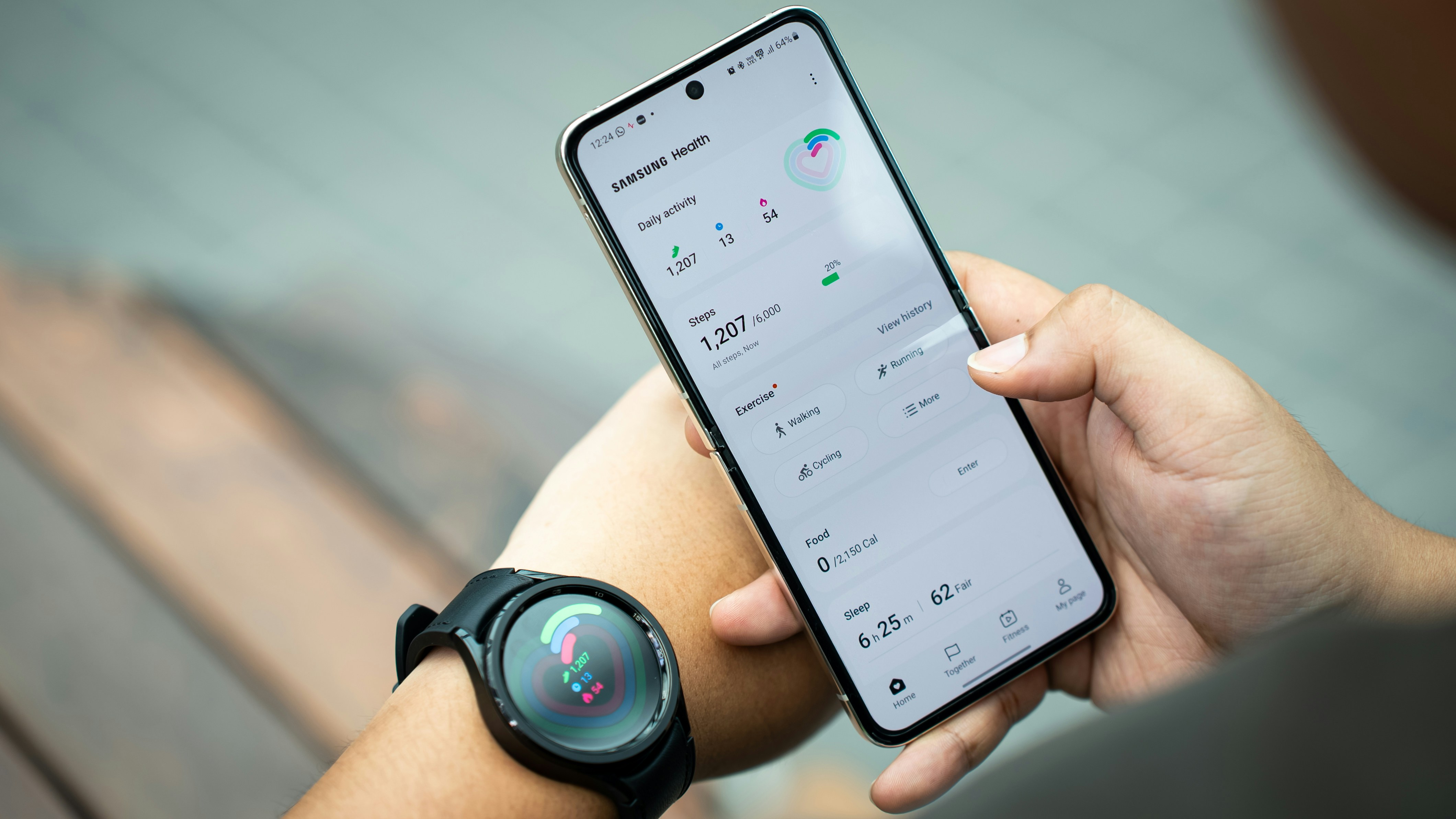
Choosing a watch that supports your daily well-being can make a meaningful difference in your routine. A wellness-oriented smartwatch keeps track of your heart rate...
Sep 21, 2026
Taking on the process of buying a home solo gives you the power to make decisions that match your own needs and preferences. You get to select the neighborhood, tour...
Aug 26, 2026